Prepare for Design Softwares
with EduRev
Design Softwares syllabus



All Courses for Design Softwares




























What Are the Best Design Software Courses to Learn Online?
Whether you are a fresh graduate, a working professional, or a student exploring creative careers, learning design software online has never been more accessible. From CAD tools used in architecture and engineering to graphic design software powering marketing and branding, the right course can genuinely transform your career trajectory.
The design software landscape in 2025 spans three major domains: CAD (Computer-Aided Design), graphic design, and 3D modeling/simulation. Proficiency in even one of these areas dramatically improves your employability across architecture, engineering, product design, and creative industries. On EduRev, you can explore structured, beginner-friendly courses that cover everything from basic tools to advanced workflows.
Top CAD Software Courses for Beginners and Professionals
CAD software is the backbone of architectural drafting, mechanical engineering, and construction design. Whether you are just starting out or looking to upgrade your skills, these courses on EduRev are worth exploring:
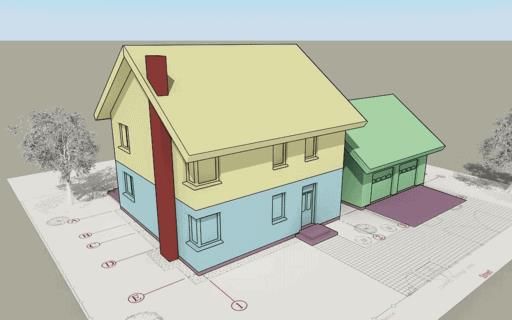
- Become a Pro: AutoCAD Architecture Tutorial - A well-structured course covering AutoCAD architecture from foundational drafting to BIM-integrated workflows used in professional firms.
- TurboCAD: A Complete Course - Covers 2D drafting and design tools in TurboCAD, which supports DWG and DXF formats compatible with AutoCAD files.
- TurboCAD 3D Modelling: A Complete Course - Ideal for learners who want to extend their TurboCAD skills into 3D design and modelling workflows.
- Learn and Master IronCAD Mechanical - A hands-on course focused on IronCAD's drag-and-drop approach to mechanical and industrial design.
- VectorWorks Spotlight: Become an Expert - Designed for entertainment, live event, and stage designers, this course teaches the industry-standard VectorWorks Spotlight platform.
| CAD Software | Best For | Key Feature |
|---|---|---|
| AutoCAD Architecture | Architects, Drafters | BIM-integrated workflows |
| TurboCAD | Beginners to Professionals | DWG/DXF compatibility |
| IronCAD Mechanical | Mechanical/Industrial Designers | Drag-and-drop design |
| VectorWorks Spotlight | Event/Stage Designers | Entertainment industry standard |
Best Graphic Design Software to Learn: Adobe Illustrator, GIMP, and Beyond
Graphic design tools are essential for anyone building a career in branding, marketing, publishing, or digital media. Adobe Illustrator remains the industry standard for vector-based design, but several other tools offer excellent capabilities depending on your goals and budget.
Start your vector design journey with the Adobe Illustrator: Become a Pro at Designing course, which takes you from basic shapes to professional-grade logo and print work. If you prefer a free alternative, explore the A GIMP Guide for Beginners course - GIMP is a capable, open-source photo editor that rivals many paid tools for image retouching and graphic work.
For learners familiar with GIMP's interface, the A GIMP 2.8 Tutorial for Beginners course dives deeper into specific features and workflows within GIMP 2.8. Additionally, the A Complete Course on Xara Designer Pro covers vector illustration, photo editing, and web design all within a single Windows application - great for independent designers and small business owners.
AutoCAD Architecture vs ArchiCAD: Which Design Software Should You Master?
This is one of the most common questions among architecture students and professionals in India. Both tools support BIM workflows, but they serve slightly different purposes and professional communities.
AutoCAD Architecture is developed by Autodesk and remains one of the most in-demand CAD skills in job postings globally. It is deeply embedded in Indian architectural firms and construction companies. The AutoCAD Architecture tutorial on EduRev is structured to help beginners build real-world drafting skills efficiently.
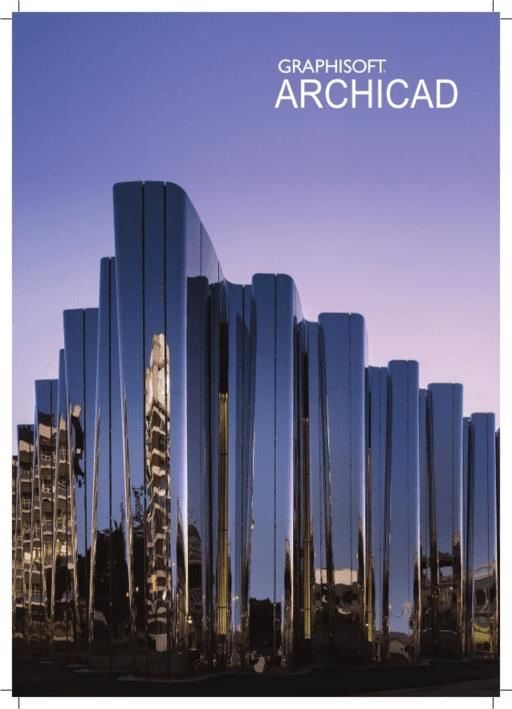
ArchiCAD, developed by Graphisoft, is a pioneering BIM platform that supports open BIM standards including the IFC format. It is widely adopted in Europe and Asia and is gaining significant traction in India's growing infrastructure sector. The ArchiCAD: An Ultimate Guide course on EduRev offers comprehensive coverage of ArchiCAD's design, visualization, and documentation capabilities.
If you are aiming for roles in large-scale infrastructure or international projects, ArchiCAD's BIM capabilities are a strong asset. For domestic job markets and general architectural practice in India, AutoCAD remains a must-have skill.
Best 3D Modeling Software Courses for Beginners
3D modeling is increasingly sought after across architecture, product design, gaming, jewelry, and automotive industries. Here are the top beginner-friendly courses available on EduRev:
- Learn from Scratch: Rhinoceros 3D Tutorial - Rhinoceros 3D (Rhino) is a NURBS-based software popular in design schools and professional studios for creating complex freeform surfaces.
- Mastering FreeCad: Tutorial for Beginners - FreeCAD is a free, open-source parametric 3D CAD modeler ideal for students and product design enthusiasts.
- TurboCAD 3D Modelling: A Complete Course - A solid introduction to 3D design workflows within the TurboCAD environment.
For students who are just beginning their 3D journey, FreeCAD is especially recommended as a zero-cost starting point before moving to paid tools like Rhino or AutoCAD.
How to Choose the Right Design Software Course for Your Career Goals
Choosing the right course depends largely on the industry you want to enter. Here is a quick guide to help you decide:
| Career Path | Recommended Software | Suggested Course |
|---|---|---|
| Architecture | AutoCAD, ArchiCAD | AutoCAD Architecture Tutorial / ArchiCAD Ultimate Guide |
| Graphic Design | Adobe Illustrator, GIMP, Xara | Adobe Illustrator Pro / GIMP Guide for Beginners |
| Mechanical Engineering | IronCAD, FreeCAD, Nastran | IronCAD Mechanical / FreeCAD Tutorial / Nastran Basic Tutorial |
| Event/Stage Design | VectorWorks Spotlight | VectorWorks Spotlight: Become an Expert |
| Web & Creative Design | Adobe Creative Suite | Adobe Creative Suite Web Design (English/Hindi) |
Think about the industries you are targeting, the tools mentioned in job descriptions you find attractive, and whether you prefer paid or open-source solutions. That will narrow your choice considerably.
Free and Open-Source Design Software Worth Learning in Your Skills Journey
Not every learner can invest in paid software subscriptions immediately. Fortunately, several powerful free tools can help you build strong foundational skills. GIMP serves as an excellent free alternative for photo editing and raster graphic design. Begin your journey with the A GIMP Guide for Beginners or the dedicated GIMP 2.8 tutorial for version-specific learning.
FreeCAD is another brilliant option for mechanical and product design without any software cost. The Mastering FreeCad: Tutorial for Beginners course on EduRev makes it easy to get started with parametric 3D modelling from scratch.
Career Opportunities After Mastering Design Software Tools
Mastering the right design software tools opens up a wide variety of career paths in India and globally. Skills in AutoCAD, Adobe Illustrator, and BIM software are consistently listed among the most requested technical competencies in architecture, engineering, and design job postings in 2025.
- Architects and CAD Drafters - AutoCAD, ArchiCAD, and Navisworks skills are directly sought in architectural firms and construction companies.
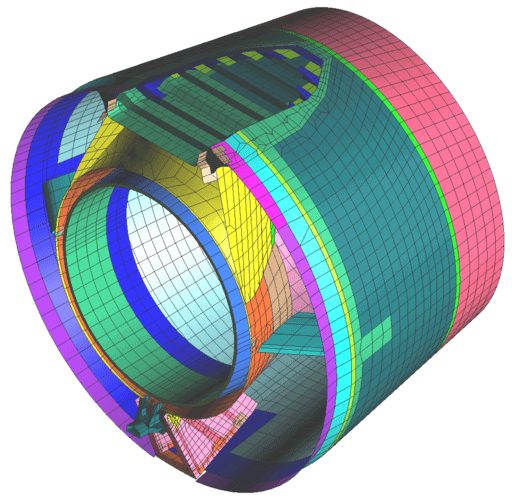
- Mechanical Engineers - IronCAD, FreeCAD, and Nastran proficiency supports roles in product design, manufacturing, and simulation. Explore the Nastran: Basic Tutorial for Students for FEA fundamentals.
- Graphic Designers - Adobe Illustrator and Adobe Creative Suite skills are essential for branding, publishing, and digital marketing agencies.
- Industrial and Product Designers - Rhinoceros 3D is widely used in design studios for freeform surface modeling.
- Web and Digital Designers - Adobe Creative Suite proficiency remains highly valued. Courses in both English and Hindi are available on EduRev to suit your preferred learning language.
Having knowledge of both free tools and industry-standard paid software gives you a genuine competitive edge when applying for jobs or freelance projects.
Complete Guide to BIM and Construction Design Software: Navisworks and ArchiCAD
Building Information Modeling (BIM) has become central to modern architecture and construction workflows. Two of the most important BIM-related tools are ArchiCAD and Navisworks, each serving distinct yet complementary roles in a project lifecycle.
ArchiCAD is used primarily for architectural design, documentation, and visualization. It supports open BIM standards like IFC, making it easy to collaborate across disciplines. The ArchiCAD: An Ultimate Guide on EduRev is a comprehensive resource for architecture students and professionals looking to master this platform.
Navisworks, an Autodesk product, is used for construction project review, clash detection, and 4D simulation. It integrates models from multiple CAD and BIM applications, making it invaluable for project managers and construction engineers. The Navisworks: Learning made Easy course on EduRev walks learners through the core features and workflows of this construction design software.
For anyone aiming to work in infrastructure, real estate development, or large-scale construction in India, getting certified or skilled in BIM tools is no longer optional - it is an expectation from employers. Starting with structured courses on EduRev is one of the most effective ways to build these skills at your own pace.
Design Softwares FAQs
| 1. What are the main design software tools used by professionals? |  |
| 2. How do I choose between Adobe Photoshop and Illustrator for my design work? | |
| 3. What's the difference between vector and raster graphics in design software? | |
| 4. Can I learn design software without expensive paid programs? | |
| 5. Which design software should I learn first if I'm a complete beginner? | |
| 6. What skills do I need to master design software effectively? | |
| 7. Is Figma better than Adobe XD for UI and UX design? | |
| 8. How long does it take to become proficient with design software? | |
| 9. What design software do I need to learn for a graphic design career? | |
| 10. Are there design software options specifically suited for logo creation? | |