Prepare for Video & Sound Editing
with EduRev
Video & Sound Editing syllabus


All Courses for Video & Sound Editing



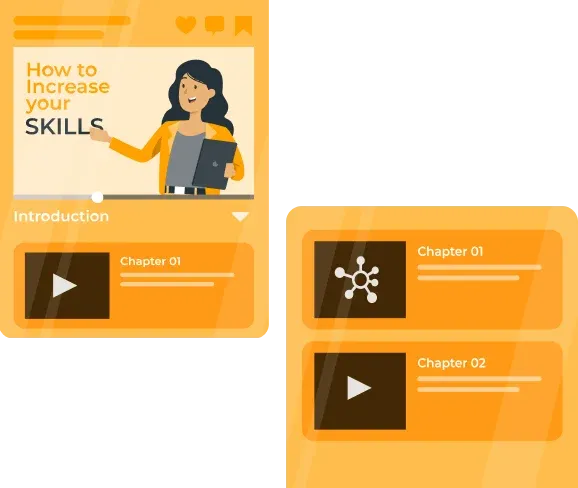





What is Video and Sound Editing? A Beginner's Complete Overview
Video and sound editing is the backbone of modern media production. Whether you are creating a YouTube channel, working on a short film, producing a podcast, or building a career in broadcasting, mastering video and sound editing is one of the most valuable skill sets you can develop today.
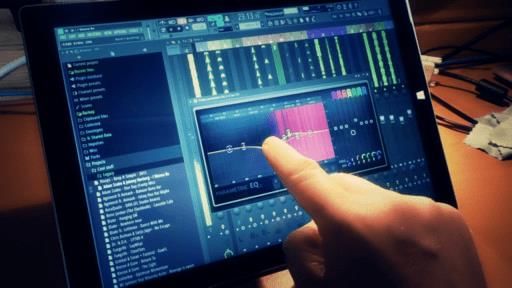
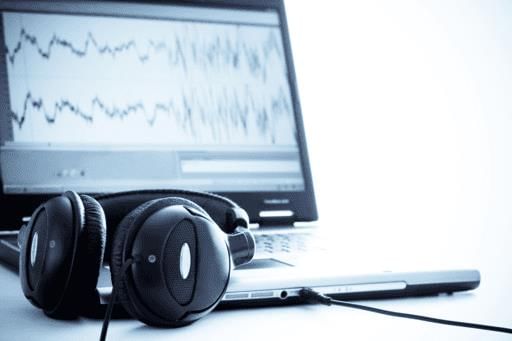
At its core, sound editing involves recording, manipulating, and enhancing audio using specialized software called Digital Audio Workstations (DAWs). Video editing combines visual storytelling with sound design to produce polished, professional media content. Together, these skills open doors across film studios, television networks, music production houses, advertising agencies, and digital platforms.
For anyone starting out, the learning curve can feel steep - but with the right resources, tools, and structured guidance, you can progress from complete beginner to confident editor faster than you might expect.
Best Audio Editing Software for Beginners and Professionals in 2025
Choosing the right software is the first major decision every aspiring audio editor faces. In 2025, the market offers excellent options across free and paid categories. Here is a quick comparison of the most popular tools:
| Software | Type | Platform | Best For |
|---|---|---|---|
| Audacity | Free, Open-Source | Windows, macOS, Linux | Beginners, Podcasters |
| Adobe Audition | Paid (Creative Cloud) | Windows, macOS | Professional Audio Editors |
| Reaper | Affordable License | Windows, macOS, Linux | Music Producers, Engineers |
| Reason | Paid | Windows, macOS | Music Composers, Producers |
| Sound Forge | Paid | Windows | Professional Mastering |
| Magix Music Maker | Paid (Beginner-Friendly) | Windows | Hobbyists, Beginners |
Among these, Audacity remains the most popular free audio editing software download for students just starting out. For professionals, Adobe Audition and Reaper are industry-standard choices. If you want to explore Audacity in Hindi, check out this beginner-friendly course: Become Professional Audio Editor: Audacity Tutorials (Hindi).
How to Become a Professional Audio Editor: Essential Skills and Tools
Becoming a professional audio editor requires more than just knowing which buttons to press. You need a combination of technical know-how, creative instinct, and consistent practice. Here are the essential skills to build:
- Multitrack editing: Working with multiple audio layers simultaneously
- Noise reduction and restoration: Cleaning up recordings professionally
- Audio mixing: Balancing levels, EQ, compression, and effects
- Audio mastering: Preparing final tracks for distribution
- Plugin management: Using VST, AU, and JS plugins for expanded capabilities
- Sound design: Creating and shaping sounds for film, games, or music
Learning how to edit music with Reaper is a great starting point for beginners interested in DAW-based production. Reaper's affordable licensing and lightweight design make it ideal for students. Start with the A Complete Course: Reaper Tutorial on EduRev to build a strong foundation. Similarly, if you prefer Adobe's ecosystem, the Adobe Audition CS6 Tutorials: Learning Made Easy (English) course is a well-structured resource to get started with professional audio editing.
For those who want to master Audacity in English, the Become Professional Audio Editor: Audacity Tutorials (English) course on EduRev covers everything from basic recording to advanced audio effects.
Final Cut Pro Complete Guide: Mastering Effects and Video Editing Essentials
Final Cut Pro, developed by Apple Inc., is one of the most powerful non-linear video editing applications available today. It is exclusively available on macOS and is sold as a one-time purchase on the Mac App Store - making it a popular long-term investment for serious video editors.
Final Cut Pro is widely used in film, television, and online video production. Learning its effects system and core editing workflows can significantly boost your professional profile. EduRev offers two dedicated learning resources to help you master this tool:
- Final Cut Pro Essentials: A Complete Guide - covers the foundational workflows every editor must know
- Final Cut Pro Effects: A Complete Guide - dives deep into visual effects, transitions, and advanced tools
Whether you are a beginner learning how to use Final Cut Pro for the first time or an intermediate editor looking to level up, these courses provide structured, step-by-step guidance.
Top DAW Tutorials: Reaper, Reason, Tracktion, and Sound Forge Explained
A Digital Audio Workstation (DAW) is the central tool for any music producer or audio engineer. Choosing the best DAW for beginners depends on your workflow, budget, and creative goals. Here is what you need to know about the top options:
| DAW | Key Strength | Ideal User |
|---|---|---|
| Reaper | Highly customizable, affordable | Music producers, recording engineers |
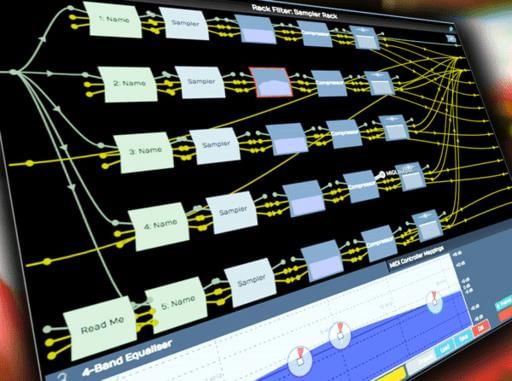
| Reason | Virtual rack with synthesizers and samplers | Electronic music composers |
| Tracktion / Waveform | Single-screen interface, unlimited tracks | Beginners wanting simplicity |
| Sound Forge | Precision audio mastering and restoration | Professional mastering engineers |
Reason, developed by Reason Studios, features a unique virtual rack of synthesizers, samplers, and signal processors. Explore the Reason Tutorials: The Ultimate Guide to understand its full potential. For Tracktion enthusiasts, both the Tracktion Tutorial: Master Music Editing and the more advanced Tracktion 5 Tutorial: Master Music Editing are available on EduRev. Sound Forge, published by MAGIX Software GmbH, is a go-to tool for audio mastering and restoration - you can explore it through the Sound Forge: An Ultimate Guide (English) course.
Audacity vs Adobe Audition: Which Sound Editing Tool Should You Learn?
This is one of the most common questions among students beginning their audio editing journey. Here is a straightforward breakdown:
- Audacity is free, open-source, and available on Windows, macOS, and Linux. It supports multi-track editing, noise reduction, and a wide range of audio effects - making it the best free audio editor for beginners starting from scratch.
- Adobe Audition is a professional DAW that offers multitrack, waveform, and spectral display editing. It is part of the Adobe Creative Cloud suite and is widely used in professional audio post-production environments.
If you are a student or freelancer on a budget, start with Audacity. Once you have built foundational skills, transitioning to Adobe Audition will feel natural. Note that Adobe Soundbooth, an older Adobe audio application, has been officially discontinued - Adobe Audition is its recommended replacement. You can still study its workflows through the Adobe Soundbooth Tutorial: Learn and Master course for historical and transitional knowledge.
Best Online Video and Sound Editing Courses to Kickstart Your Career
EduRev offers a comprehensive range of video and sound editing courses designed for learners at every level. Whether you are looking for an audio editing course online or a structured video editing course for beginners, you will find well-organized content to match your goals.
All courses are structured for self-paced learning, so you can study from home without any fixed schedule - ideal for students balancing other commitments.
Music Production and Editing Tools: Magix Music, Tracktion 5, and More
Music production software for beginners has become increasingly accessible. Magix Music Maker, developed by MAGIX Software GmbH, is one of the most beginner-friendly tools available. It includes built-in loops, virtual instruments, and audio effects - perfect for anyone wanting to dive into music creation without prior experience.
Begin your music production journey with the Magix Music: A Comprehensive Tutorial for Beginners course on EduRev. For more advanced music editing using Tracktion 5's unlimited track capabilities, the Tracktion 5 Tutorial is highly recommended.
Career Scope in Video and Sound Editing: Jobs, Salary, and Opportunities
The demand for skilled audio and video editors is growing rapidly across India and globally. Here are some of the key career opportunities available to trained professionals:
- Film and television: Post-production audio editors, dialogue editors, and video editors
- Music industry: Recording engineers, mixing engineers, and mastering engineers
- Digital content creation: YouTube editors, podcast producers, and social media content creators
- Advertising agencies: Audio-visual production roles for ads and brand content
- Freelancing: Remote audio editing and video editing work for global clients
Proficiency in industry-standard software such as Adobe Audition, Final Cut Pro, and Reaper is frequently listed as a requirement in job postings. Knowledge of DAWs and non-linear editing systems (NLEs) is considered foundational for a career in professional media production. Sound design career paths and music editor career opportunities are expanding as streaming platforms and digital media continue to grow.
Whether your goal is a full-time role in a production house or building a freelance video and sound editing career, the skills you develop through structured courses on EduRev will give you a genuine competitive edge in 2025 and beyond.
Video & Sound Editing FAQs
| 1. What's the difference between video editing and sound editing? |  |
| 2. How do I choose the right video editing software for beginners? | |
| 3. What are the main steps in the video editing workflow? | |
| 4. How do I fix audio sync issues in my video project? | |
| 5. What's colour grading and why does it matter in video editing? | |
| 6. Can I learn video and sound editing without expensive software? | |
| 7. What audio formats should I use for video editing projects? | |
| 8. How do I remove background noise from video dialogue? | |
| 9. What transitions work best between video clips, and how many should I use? | |
| 10. How do I export video with the best quality settings? | |
all Video & Sound Editing Courses


